Give Claude Code control of almost any app. No MCP.
CLI Anything reads an app's source code and builds a command line tool for it, so Claude drives the real app from your terminal. Blender renders. Zoom books the meeting. LibreOffice writes the PDF. Here is the entire setup, and the honest limits.
pip install cli-anything-hub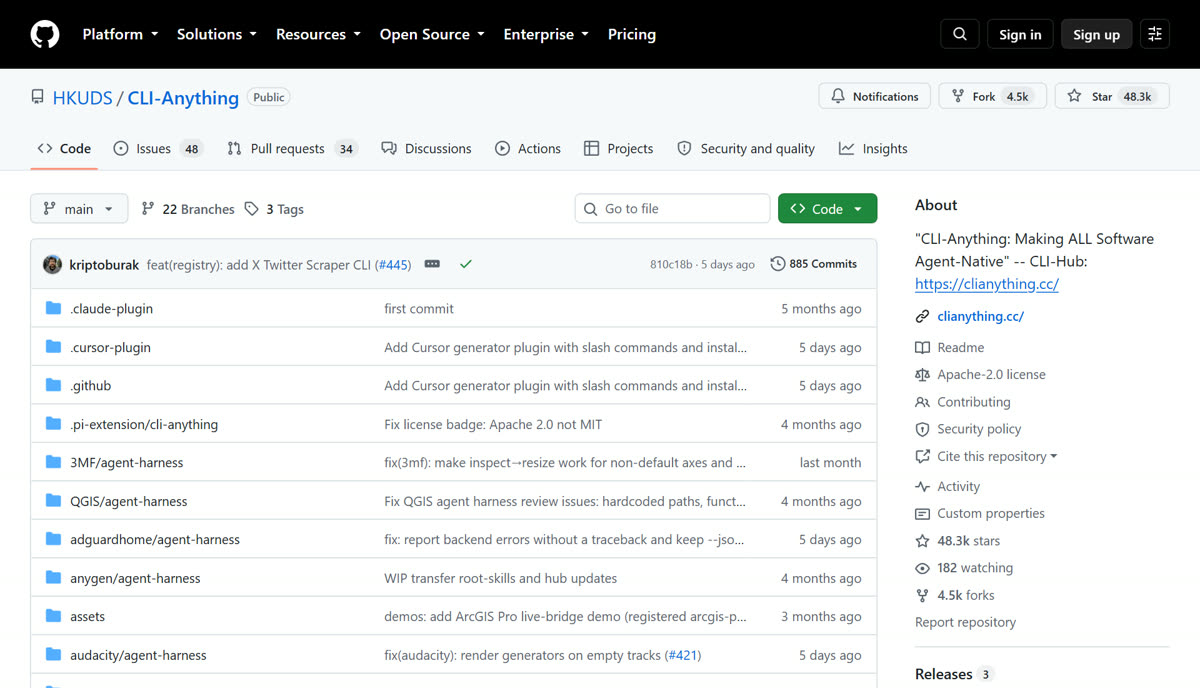
PATH A · THE FAST ONEUse a CLI someone already built
The hub has ready-made CLIs for Blender, GIMP, Inkscape, Audacity, LibreOffice, OBS Studio, Zoom, Kdenlive, Godot, FreeCAD, QGIS, Zotero, Calibre, Ollama, ComfyUI and more. Three commands.
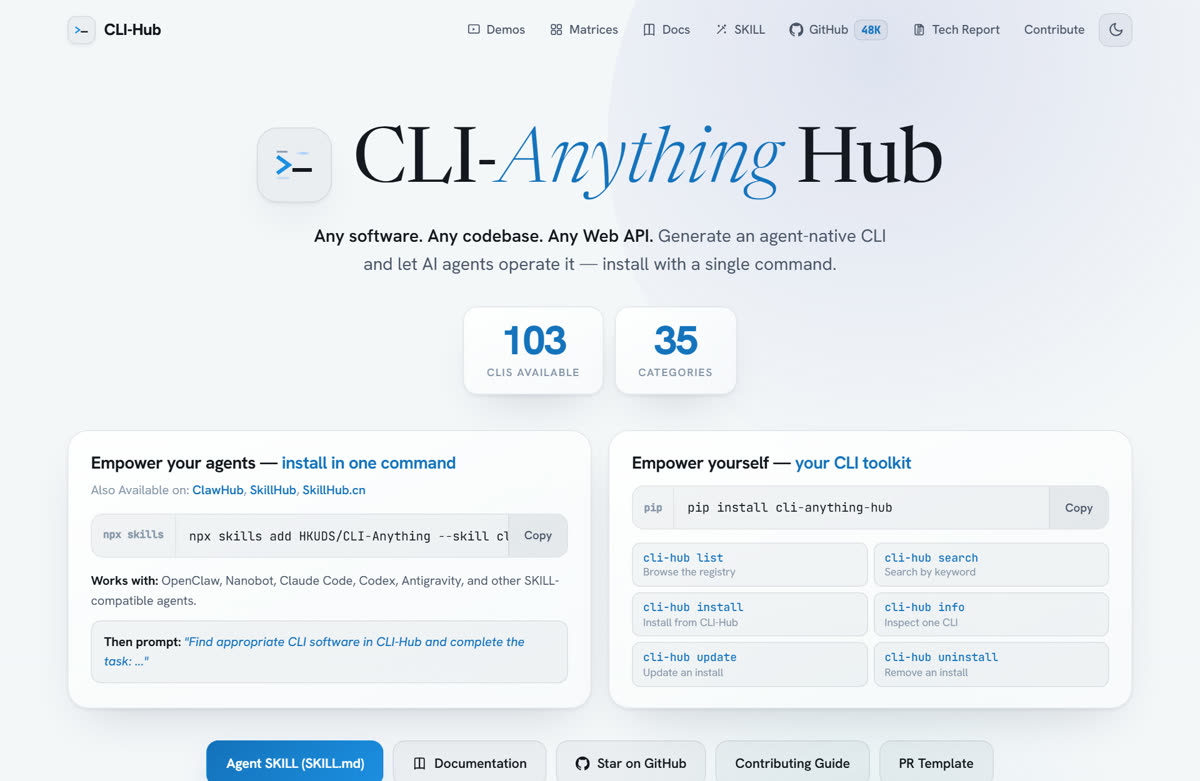
One Python package. It browses, installs, updates and removes every community CLI.
Needs Python 3.10 or newer.
List everything, search by name, install what you want.
The CLI wraps the real app. Install the app itself too (Blender, LibreOffice, GIMP...). No app, no output.
One skill install and Claude Code (or Cursor, Codex, Pi) knows how to find and drive every installed CLI.
Then just ask: "render the scene in Blender and export a PNG". It runs the commands.
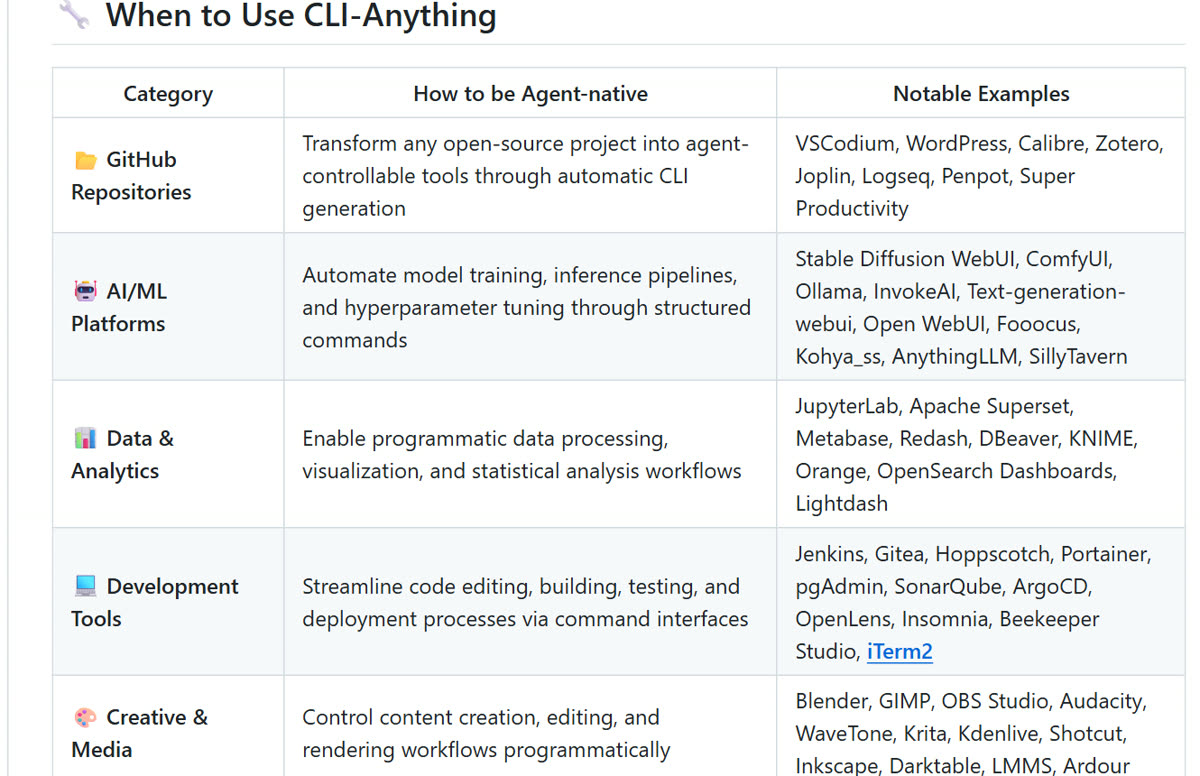
PATH B · THE REAL TRICKBuild a CLI for an app that has none
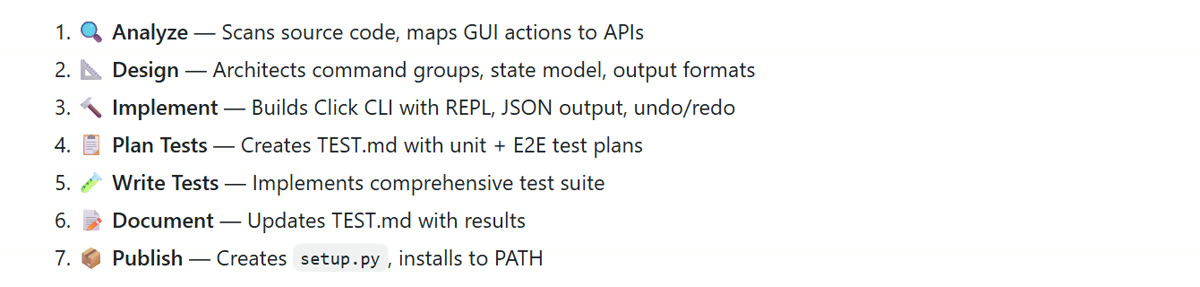
This is the part from the reel. Point Claude at the app's source code and it runs a seven-phase pipeline: analyze, design, implement, plan tests, write tests, document, publish. Out comes a working CLI, installed to your PATH, with a skill file so Claude knows how to use it.
Two slash commands. No config.
If Claude says "Unknown skill: cli-anything", run /reload-plugins and try again.
A GitHub URL or a local folder with the source. It reads the code and maps the app's actions to commands.
Big apps take a while. The generator runs all seven phases and ends with setup.py and an install to PATH.
The first pass covers the core. Refine finds the gaps and adds commands, tests and docs for them. Run it as many times as you like; each run is incremental.
If it is an API rather than an app, feed the docs or the SDK to the same command and you get one stateful CLI instead of dozens of raw calls.
WHAT IT LOOKS LIKEThe repo's own Blender demo
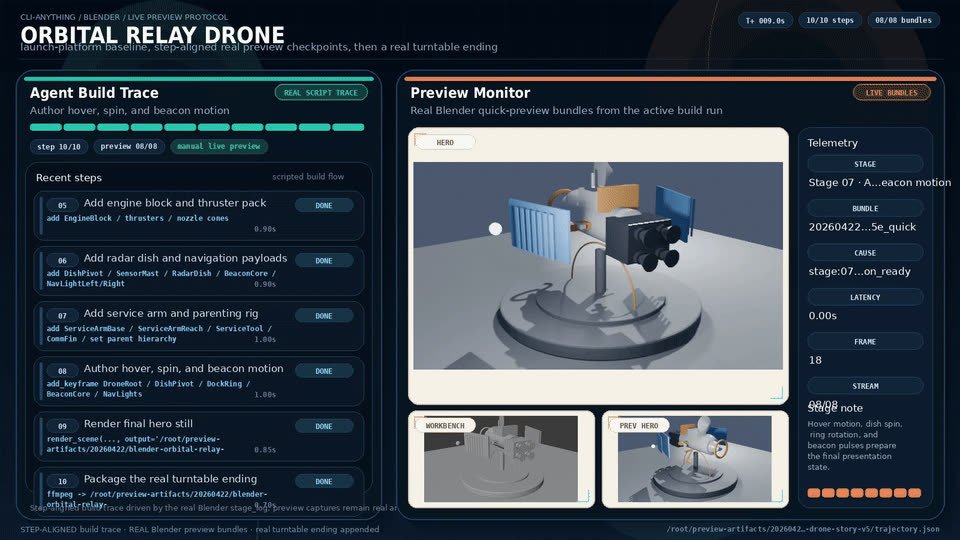
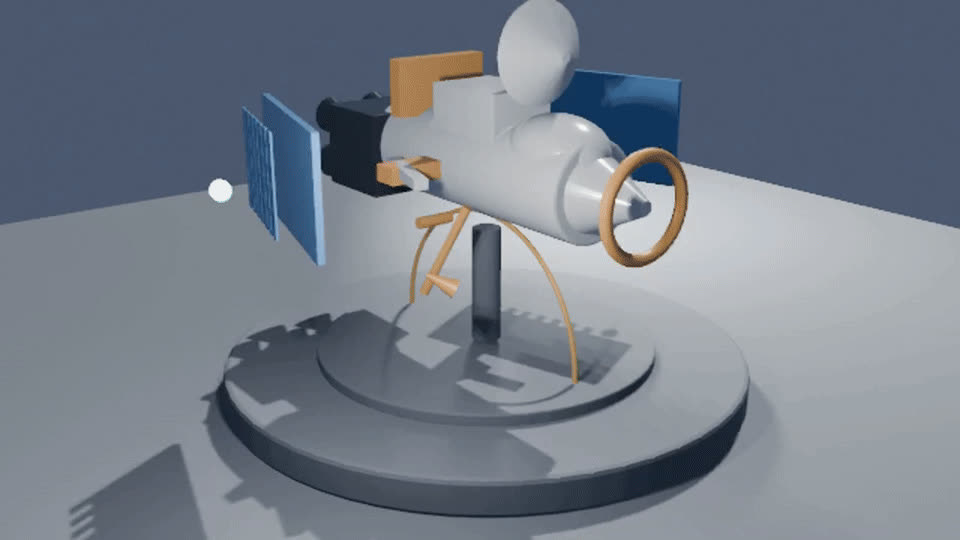
An agent drives the Blender CLI, step by step, and builds an orbital relay drone. Left: the agent's build trace. Right: the render it produced. Both frames are from the demo in the repo, not from me.
THE HONEST PARTWhat it cannot do
 Blender
 GIMPInkscape
 Audacity
 LibreOffice
 OBS Studio
 ZoomKdenliveShotcutGodotFreeCADQGISDraw.ioZoteroCalibreOllamaComfyUIAdGuard HomeOpenRefinen8nNotebookLM (community, experimental)Premiere Pro: not on the hub
WHO MAKES ITA university lab, not a startup
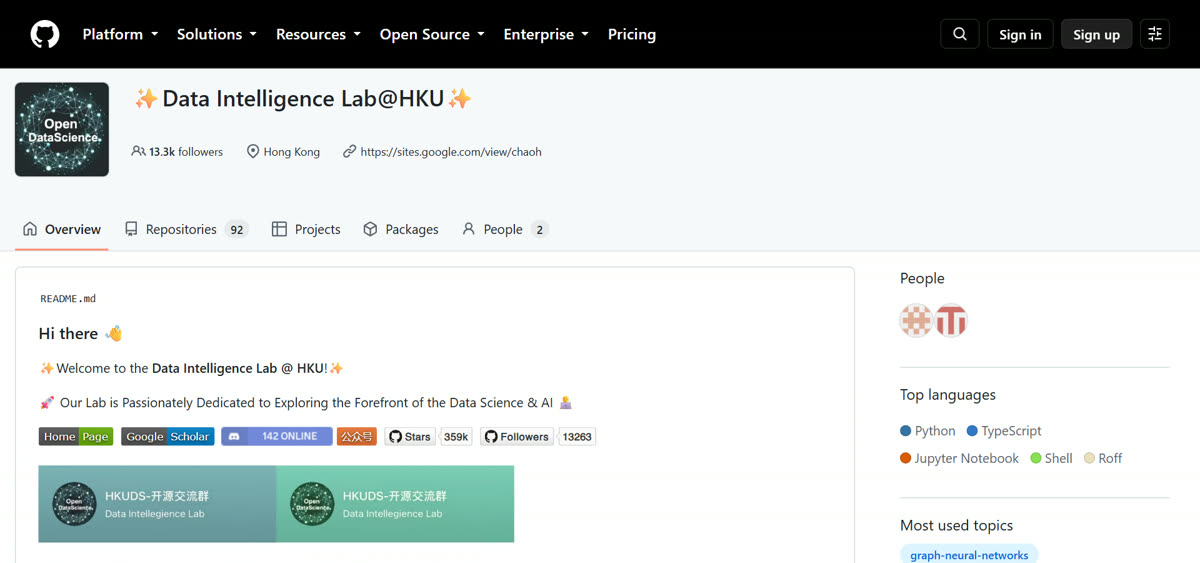
The Data Intelligence Lab at the University of Hong Kong. Same group behind LightRAG and RAG-Anything. Free because it is research, not a funnel.
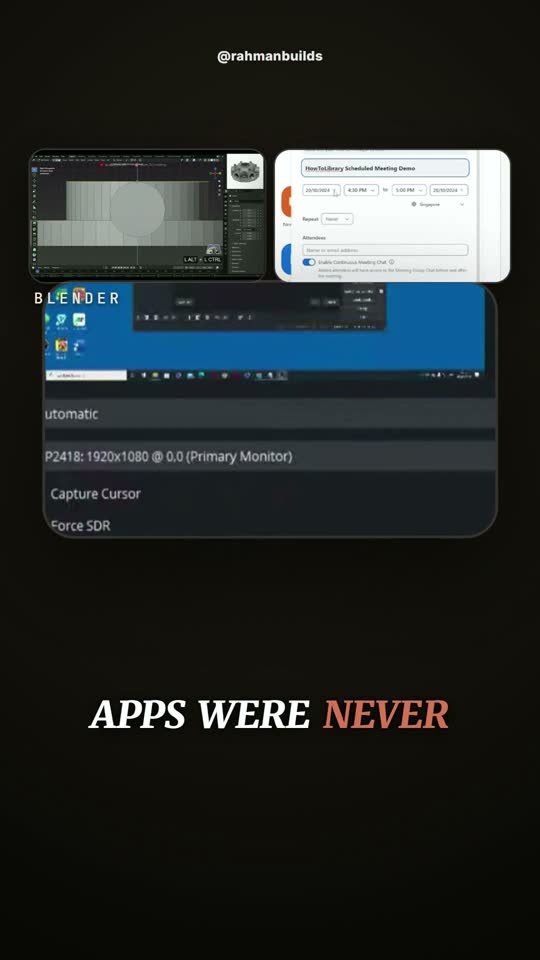
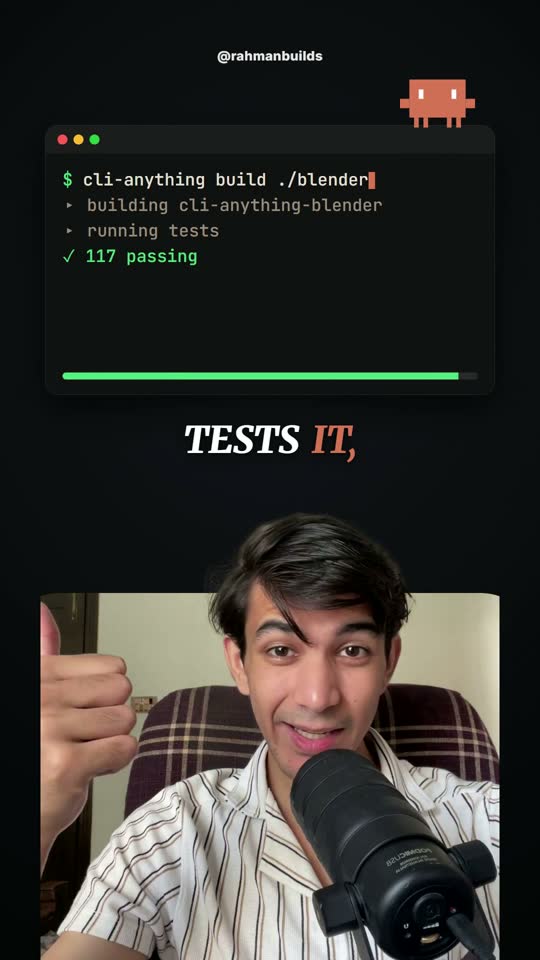
FROM THE REELFour frames

LINKSThe official sources
github.com/HKUDS/CLI-Anything ↗ The CLI-Hub ↗ Add your own CLI ↗ The tech report ↗I break this stuff down every day.
Plain English, checked against the source, so you use it before everyone else is talking about it. Come watch the build.
Follow @rahmanbuilds ↗RAHMANBUILDS-DROPS.VERCEL.APP/CLI